Updated September 2026. Independent guide — StreamerATV is not affiliated with eir.
Quick answer: if eir TV stops working, first check whether the problem is on your side or a wider outage. Check eir's official service status and support pages and eir's social media channels. If there is no reported outage, restart your router and eir TV box — that fixes most problems.
Step 1: Is it an eir outage?
- Check eir's official service status / support pages.
- Check eir's support accounts on social media for announcements.
- Ask a neighbour on eir whether their service is working.
- Test your broadband on a phone or laptop — if the internet is down, eir TV will be too.
Step 2: Fixes to try at home
| Problem | Try this |
|---|---|
| No picture on any channel | Check the TV is on the right HDMI input; restart the eir TV box |
| Buffering or freezing | Restart the router; use an Ethernet cable to the box; stop large downloads |
| One channel missing | Rescan or update the box software; check if the channel changed number |
| App not loading | Update the eir TV app, clear its cache or reinstall it |
| Remote not working | Replace batteries; re-pair the remote with the box |
| Error code on screen | Note the code and check eir's help pages or contact support |
Step 3: Full restart the right way
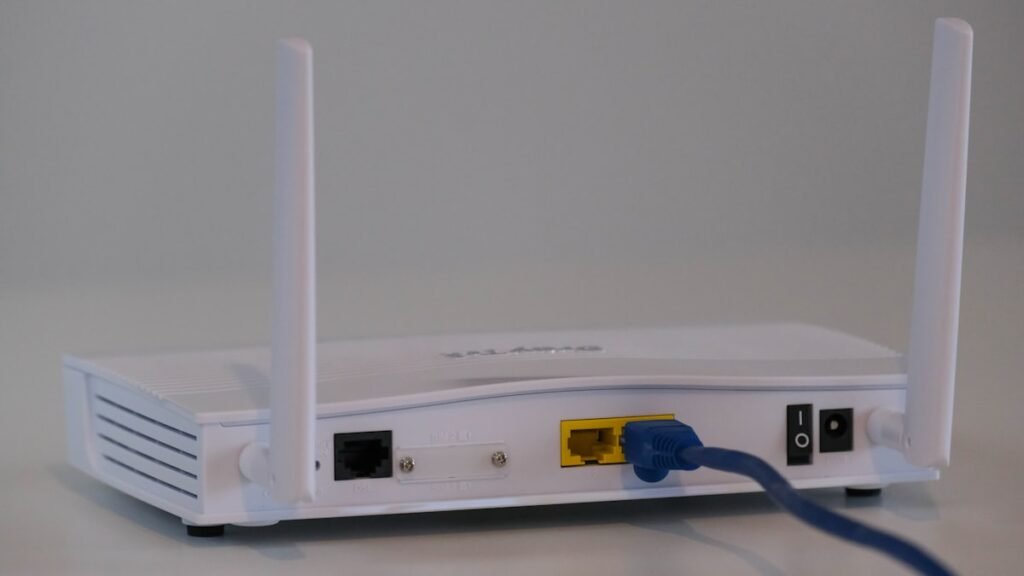
- Turn off the eir TV box and the router at the wall.
- Wait 60 seconds.
- Turn on the router first and wait until the internet light is steady.
- Turn on the eir TV box and let it fully load.
Step 4: Contact eir
If nothing works, contact eir support with your account number and any error code. For planned outages, eir usually posts updates online.
Watch while eir TV is down
Free options still work over mobile data or through an aerial: Saorview for live Irish channels and RTÉ Player, TG4 Player and Virgin Media Play for streaming. Also see our eir TV channels guide.
FAQ
How do I know if eir TV is down?
Check eir's official status and support pages and its social media accounts, and test whether your broadband works on another device.
Why does eir TV keep buffering?
Usually because of Wi-Fi interference or a busy connection. Connect the box by Ethernet, restart the router and pause other large downloads.
How do I reset my eir TV box?
Restart it by unplugging for 60 seconds. A factory reset is available in the box settings, but only use it if eir support advises it.
Ready to watch IPTV in Ireland?
Try StreamerATV free on Firestick, Smart TV and mobile.